Free Fire Advanced Gameplay Optimisation 2026: Having ever played Free Fire MAX, you understand how annoying it can be when you lose a great moment due to lag.
You are about to take a headshot, but the frame goes dead. You attempt to fiddle with rank, but your controls are not quick enough. The fact is, skill is no longer sufficient.
You must optimise your gameplay to play the game and get Boo ya in every game. Once you have a smooth-running game, your reaction becomes better, and your aim is sharper, and this gets your confidence up. This tutorial will teach you how to be a pro in optimising your gameplay in 2026.
The importance of Optimisation
Free Fire has changed a great deal throughout the years. Competitive mechanics, advanced graphics, everything has become more demanding, starting with basic gameplay. Even a good player will not play well without optimisation.
- Reacting speed is enhanced by smooth gameplay.
- Stable FPS assists in proper aiming.
- Minimum ping guarantees a quicker server response.
- Increased controls minimise errors in battles.
- Efficient settings enhance overall performance.
When your game is playing at 60 FPS and with low latency, you automatically have a more professional gameplay.
The most preferred graphics and FPS settings
The graphics settings are very important for performance. The common error players commit is to play with high graphics settings on low-end devices, which leads to lag. In the case of 4GB RAM devices, leave graphics on Smooth and FPS on High. This allows it to operate without overheating.
In the mid-range (6GB RAM) devices, a balanced experience is in High graphics with Ultra FPS. On devices with higher endurance (8GB+ RAM), Ultra graphics with 90 FPS is the best graphics to give the best experience in terms of viewing and performance. Always disable features that you do not require, such as shadows, when your gadget overheats.
Better Aim Sensitivity Settings
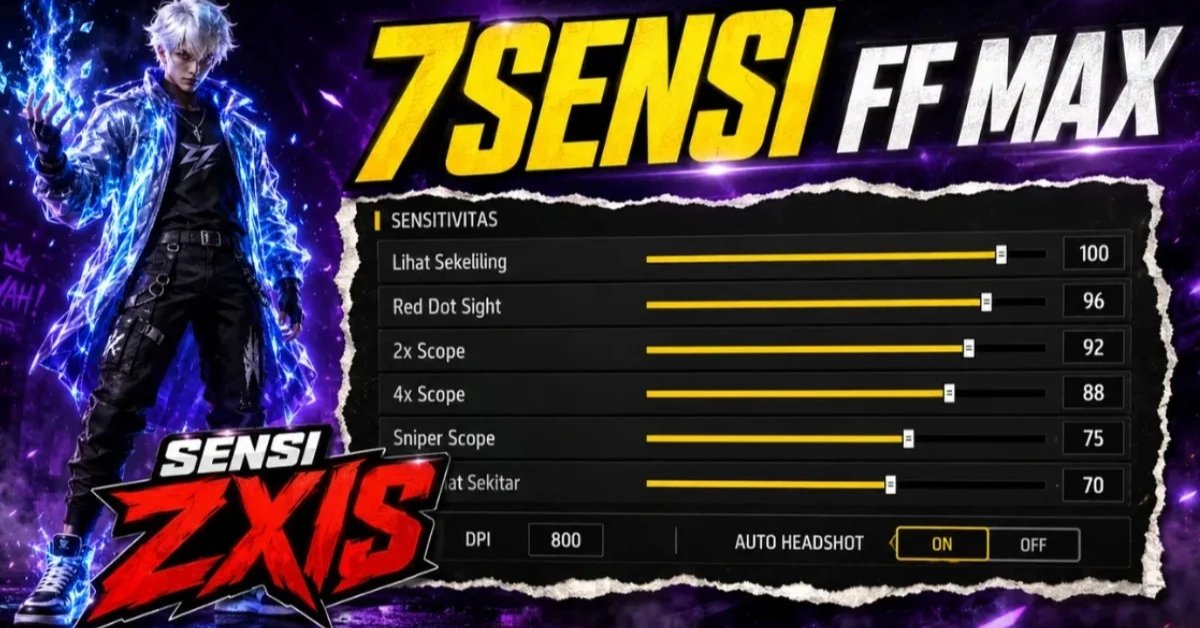
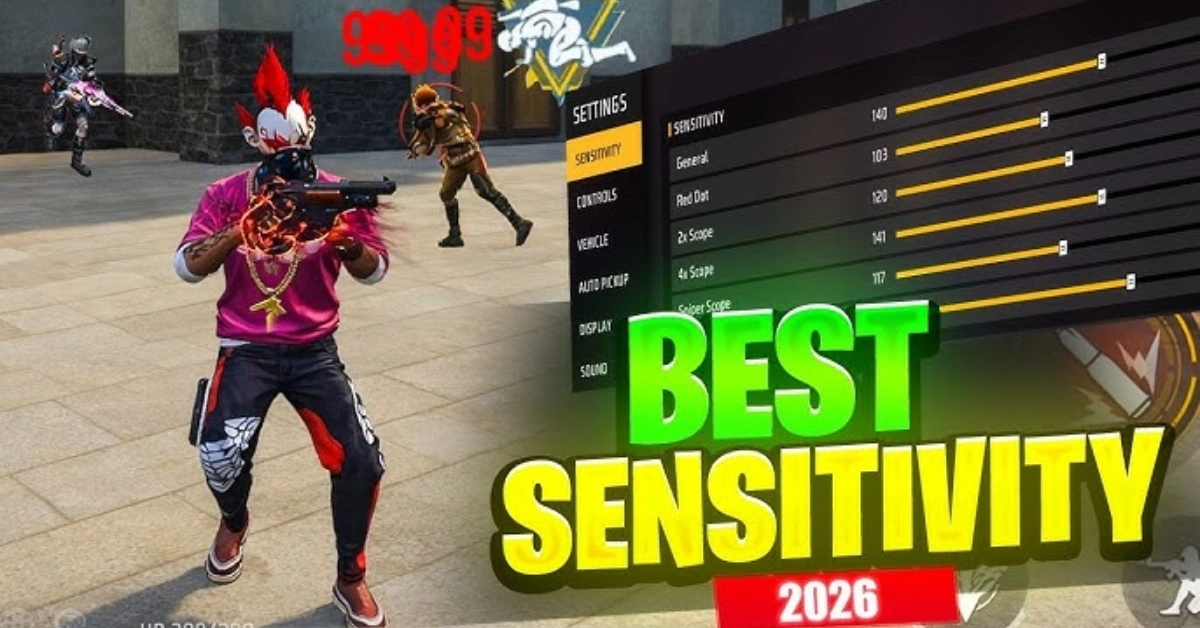
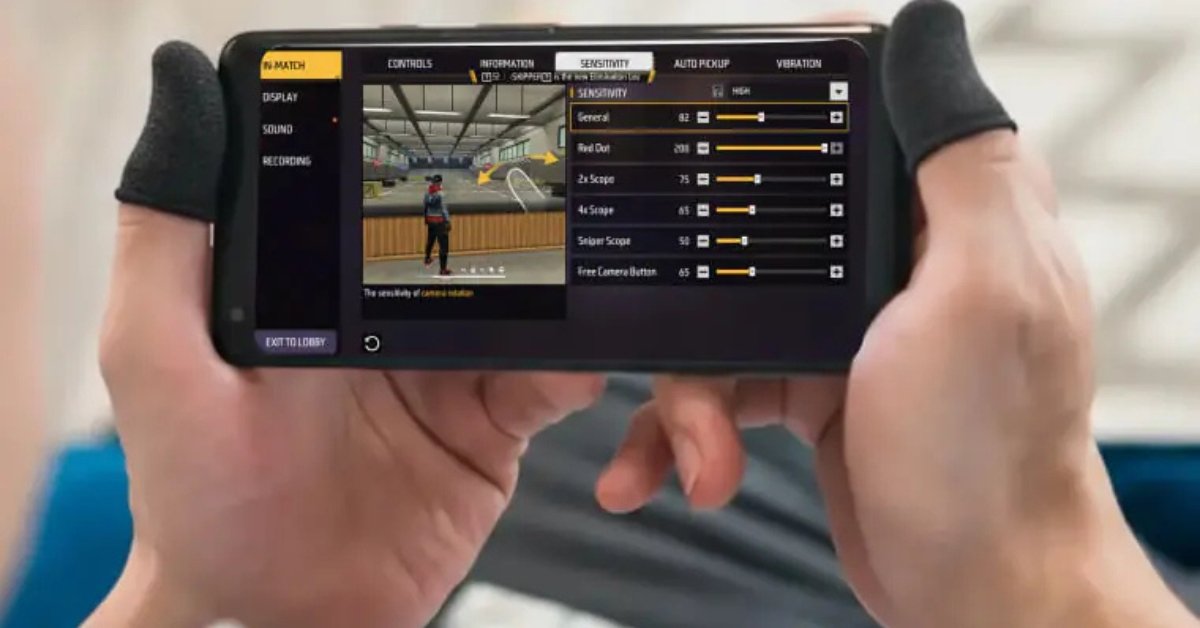
One of the most crucial elements in the gameplay is sensitivity. It has a direct influence on your movement and your aim. The increase in sensitivity makes it easier to move and also take shots of a head; the decrease in sensitivity provides more control over a long-range shot.
Set the sensitivity to your needs and comfort. Beginners should start with moderate values and gradually increase them as time goes by. The trick to becoming more accurate with the same sensitivity settings is practising the same sensitivity setting.
HUD Customisation Pro Gameplay
The speed of your reaction at the time of fights is determined by your control layout. The 4-finger claw is favoured by most professional players, as it gives them more control over movement, aiming and shooting simultaneously.
See that your fire button is large and easily reachable. Also, remember to keep your scope button apart to ensure you do not confuse it when in serious battles. By making your HUD your own, you can greatly enhance your performance in games.
Extra Optimisation Tips
Other than the in-game settings, there is the performance of your device. Minor adjustments can result in major differences.
- Turn off any background applications before the game.
- Have a reliable internet connection (WiFi or 5G)
- Activate performance mode in your selected device settings.
- Optimise it using a game booster application.
- Don’t play when you are charging to save on heating.
When emulating on PC, certain tools such as BlueStacks can assist you in playing at higher FPS and with improved keyboard and mouse control.
Experience and Plan Do Matter
The only thing that will make you a pro is optimisation. You also require practice and clever game play. Take time to train your settings. Master the weapons, sharpen your shots and learn the map positions.
Wearing headphones will also give you an edge, since you can hear the enemy footsteps better and respond more quickly. Consistency is the key. Noticeable improvement can be gained even with 2030 minutes of daily practice.
Frequently Asked Questions (FAQ)
What is the optimal FPS on Free Fire MAX?
The preferred FPS is 60 FPS, but the top-quality devices are able to reach 90 FPS to play the game being discussed more smoothly.
Will I be able to play on a 4GB RAM phone?
Yes, you can have stable performance with Smooth graphics and High FPS settings.
Is there sensitivity in the headshots?
The answer is yes, headshots are easier to make with good sensitivity settings.
Which is better, an emulator or mobile Free Fire?
Many players find mobile gameplay to be more natural, and emulators are able to provide better control and FPS.
Disclaimer: This article is informational in nature. The performance of the game can be influenced by the specifications of both the device and the internet connection, as well as updates made by the developers. Never open unofficial versions of the game or use unofficial tools or modifications.
Also Read:
Desert Ring Event Free Fire MAX: 1 Spin Trick And Diamond Cost Guide 2026
Free Fire MAX M1917 Top Up Event 2026: Get Skin in Just 100 Diamonds
Best Sensitivity for Free Fire MAX 2026: Headshot And One Tap Settings